What should I do first?
Open the verified game, inspect the current categories, choose a single question, and run one clean test.
A simple opening route built around the parts of the current experience description that are actually visible—not assumed stats, prices, or ranks.
Start from the official Roblox game page so a copied title or lookalike result does not send you into the wrong game.
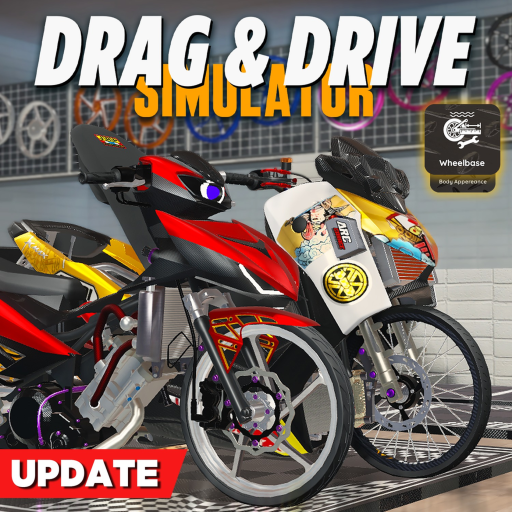
The description currently names vehicle categories, modifications, a police vehicle, save/load, a drag prop spawner, and a code campaign.
Choose a category to explore instead of chasing a confident-sounding vehicle rank.
The public board shows tracker reports. Test them in game; do not plan around an unconfirmed reward.
Use one route and change one setting before you decide anything felt better.
Use dated public reports before you spend time in a long session.
If you are undecidedTurn the first session into a clear question and next route.
If you found a rankSee why a ranking needs more than a showcase clip.
Open the verified game, inspect the current categories, choose a single question, and run one clean test.
Treat videos as orientation only. The launch material does not support a universal model ranking.
No. The official Roblox experience is the verified starting point; direct community links are still unconfirmed.